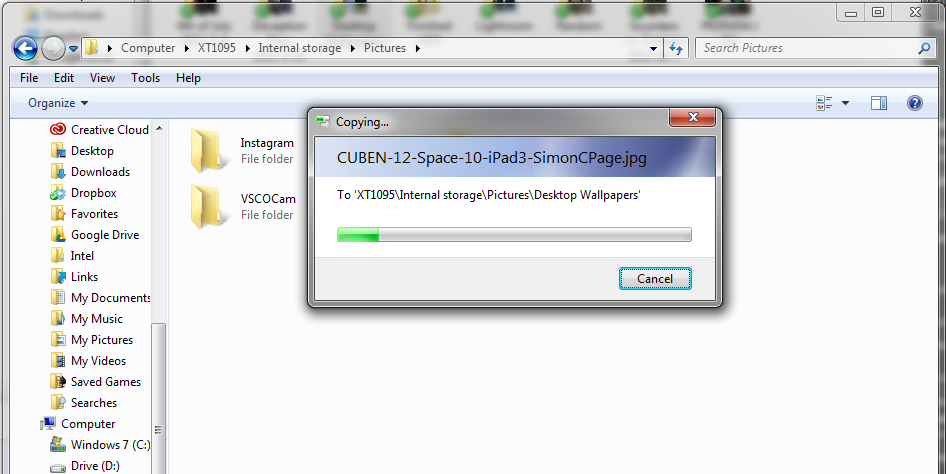
In previous guides on external storage problems, we’d discussed some issues you could encounter during file management like file corruption, automatic duplication, cloaking etc. This particular scenario is quite different; files you copy just vanish into thin air without a trace.
Could you explain this case a little more please?
Ideally, if you try copying files to a storage device with insufficient space, you should get a warning. If you have sufficient space then copying ought to begin. Now, in this case, you see the progress bar load from start to finish but when you check the destination drive, you won’t find the copied file(s) there. Checking the storage stats under Properties also indicates that nothing was added to the storage device.
Why do my files keep disappearing after copying them to my SD card, Flash drive, HDD or SSD?
Some possible reasons are:
- Corrupted / damaged storage device: The storage device might be corrupted or damaged, causing it to be unable to retain files
- Partitioning: The storage device might have been partitioned and the target partition full
- Fake storage device: The storage device’s true capacity might not be as large as advertised
- Recycler virus: This virus might be dumping copied files elsewhere (See https://www.hovatek.com/blog/how-to-fix-a-windows-pcs-hard-disk-storage-which-automatically-gets-full/)
How do I fix this issue of automatically disappearing files?
Some techniques that ought to resolve this include:
- Determine the true storage capacity: Format the storage device then begin copying files to it one at a time. Take note of the total size of the copied files just before subsequent files begin disappearing. This is likely the true capacity of the storage device.
- Unpartition the storage device: If the storage device has been partitioned then consider unpartitioning it using the guide at https://www.hovatek.com/blog/how-to-partition-a-hard-disk-or-storage-device-in-windows/
- Scan for virus: Scan the PC and storage device for Malware using a strong and updated Antivirus software
- Recover hidden files: Just in case the files have been hidden from view, consider recovering them from the Recycler virus using the method at https://www.hovatek.com/blog/how-to-recover-files-hidden-or-corrupted-to-shortcuts-by-the-recycler-virus-on-a-storage-device/
- Fix the storage device: Consider formatting the storage device and employing other storage device repair techniques as described at https://www.hovatek.com/blog/how-to-fix-repair-corrupt-memory-card-sd-card-or-usb-drive/