[Tutorial] How to Enable Multiple Desktop in Windows 7
[Tutorial] How to Enable Multiple Desktop in Windows 7

03-09-2017, 12:28 AM
One of the nicest features of windows 10 is the multi-desktop feature which allows users get more work space on their PC. This guide would show how to enable this feature on Windows 7.
Requirements
- Download Desktops
- Windows PC
How to Enable Multiple Desktops in Windows 7
follow the steps below to enable multiple desktops on a windows 7 PC
- Extract the content of the Desktops.zip file to a secure location. (e.g My documents)
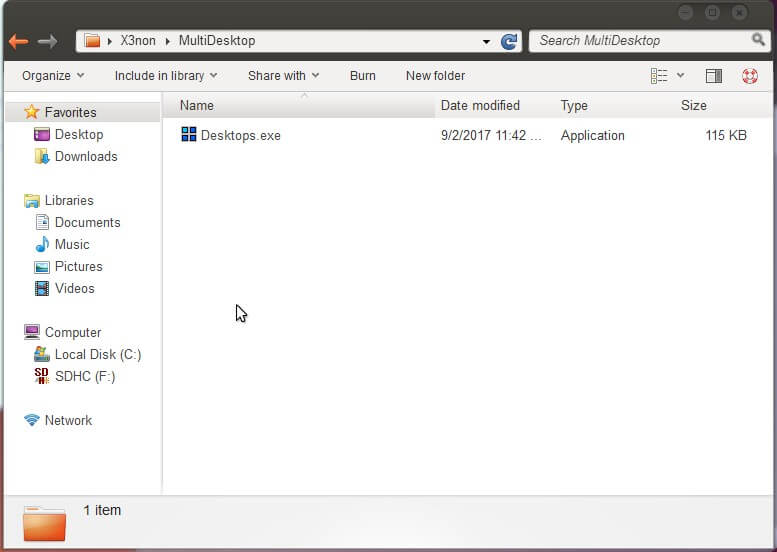
- Run the Desktops software and accept the license agreement

- In the window that appears next, tick "Run automatically at logon" and Select the hotkeys you wish to use for switching between desktops

- Open the system tray and click on the Desktops icon

- Click on any of the three empty boxes to create a new desktop

- You can now switch between desktops using the hotkey you must have setup earlier on.
Important Notice
- This has only been tested on Windows 7, it might or might not work on windows 8.x
- Desktops software is limited to 4 multiple desktops ONLY
This post was last modified: 04-10-2019, 10:27 PM by X3non.
Learn MediaTek, Unisoc / Spreadtrum (SPD) and Qualcomm Software Repairs @ https://www.hovatek.com/training
Note!
We have a reply schedule for Forum Support. Please try Private Support if you can't wait.
Users browsing this thread:
1 Guest(s)
1 Guest(s)
Users browsing this thread:
1 Guest(s)
1 Guest(s)


