[Tutorial] How to Download Android Playstore apps with IDM or Phone Browser
[Tutorial] How to Download Android Playstore apps with IDM or Phone Browser

21-03-2017, 08:04 PM
This guide explain how to download android playstore apps using a pc or phone browser, Playstore applications were normally downloaded via the google play store application and install automatically after download but in a case where you need the .apk file in your pc or phone then you can follow the
Note: The same procedure applies when downloading via phone.
Steps to Download Android Applications using a PC or Phone Browser
Follow the below steps to download android applications using a PC or Phone browser
1. Go to https://play.google.com
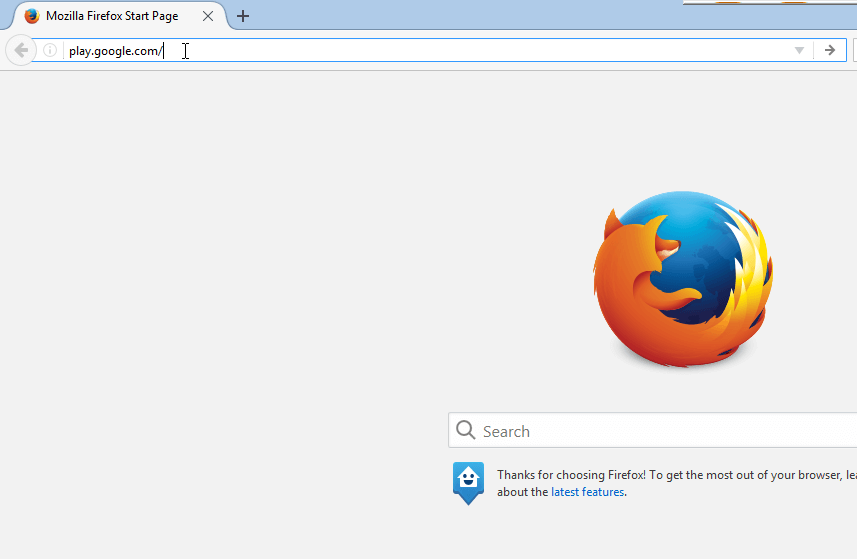
2. Click on the app you want to download

3. Right-Click on the Address Bar and copy the link
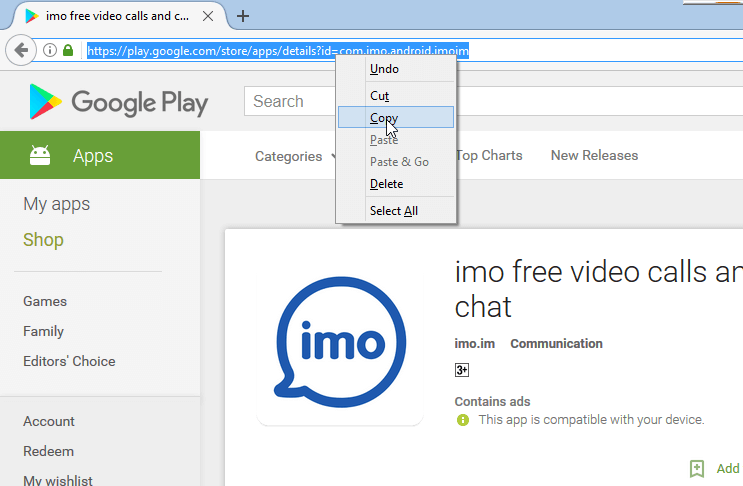
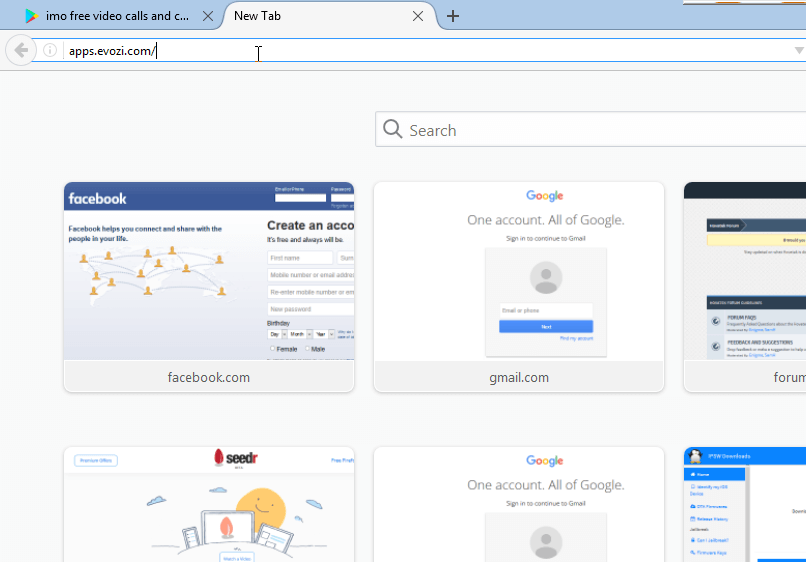
4. Open new tab and go to https://apps.evozi.com
5. Select APK Downloader
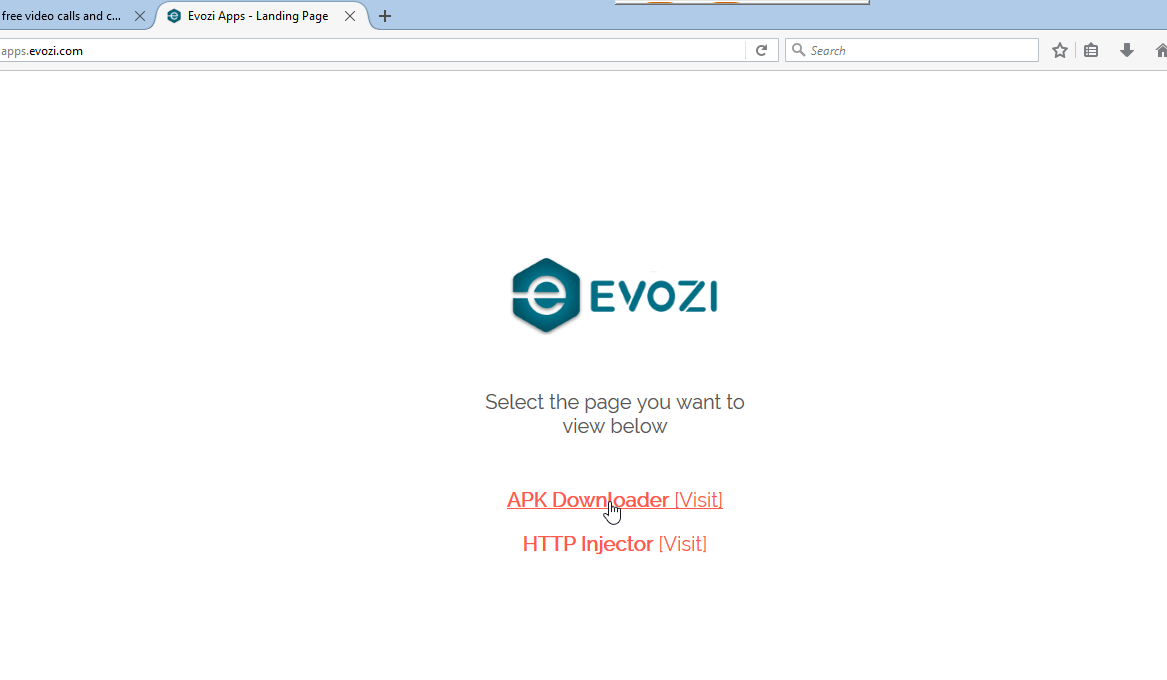
6. Once the page loaded right-click and paste the app URL you copied from google play store.
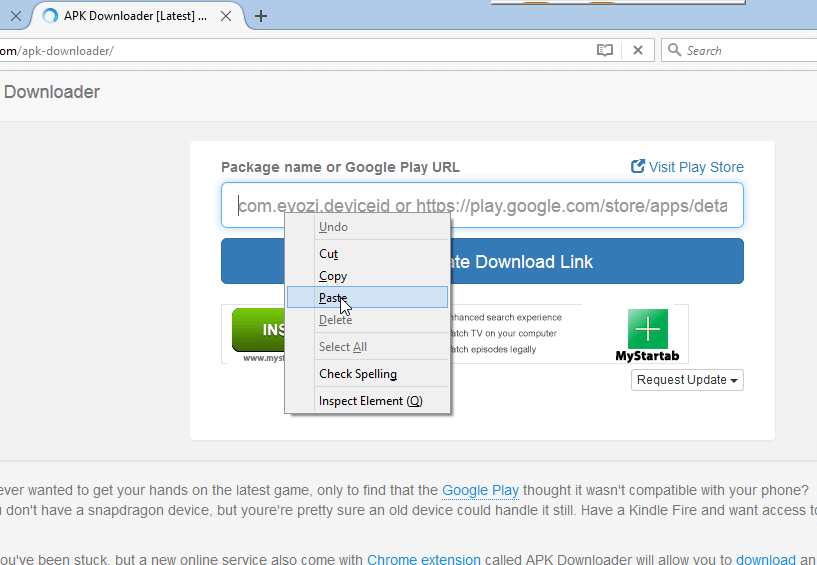
7. Click on Generate Download Link

8. Once link generated click on Download.

9. Click on Start Download if you use IDM.
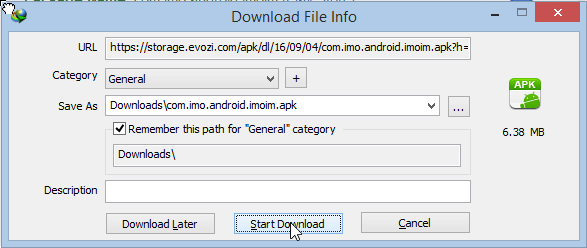
10. Download will begin.

[*]Not all applications that were downloaded using this method can be installed.
[*]It's not compulsory to use IDM ordinary PC browser will work.
[*]Not all application can be downloaded using this method.
This post was last modified: 06-10-2019, 04:17 PM by xerxes.

27-03-2017, 09:40 AM
Sent from my Hisense U989 Pro using the Hovatek Forum App
Users browsing this thread:
1 Guest(s)
1 Guest(s)
Users browsing this thread:
1 Guest(s)
1 Guest(s)


