Home Forum Blog Private Support Courses Archive

TWRP

Hovatek Qualcomm TWRP porter

Qualcomm Auto TWRP Porter v1.4; TWRP 3.5.0 support

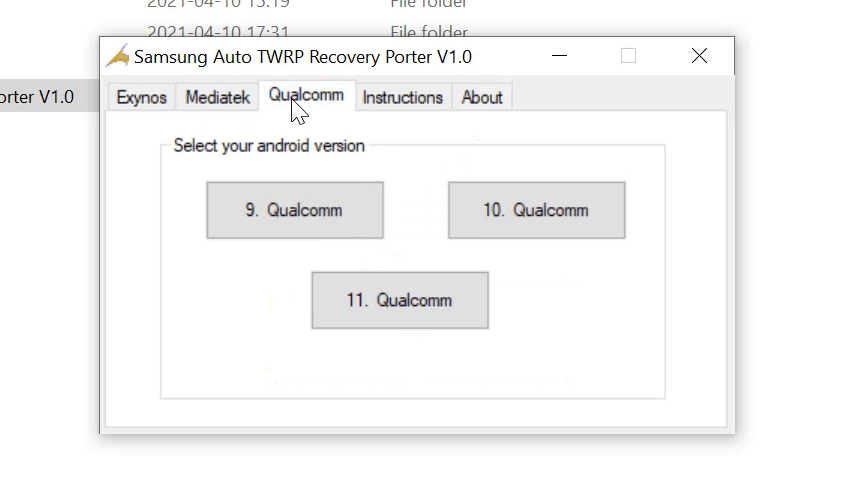
We’ve launched Qualcomm Auto TWRP porter v1.4 (Beta). This version supports Qualcomm devices which shipped with Android 10 so issues like userdata encryption (0 MB or inaccessible internal storage ) and unmountable system, product and vendor partitions are fixed. What’s new? TWRP v3.5 support Android 9 (Pie) and 10 (Q) support We’ll need feedback to

Qualcomm Auto TWRP Porter v1.4; TWRP 3.5.0 support Read More »

How to fix Android booting to custom recovery after reset

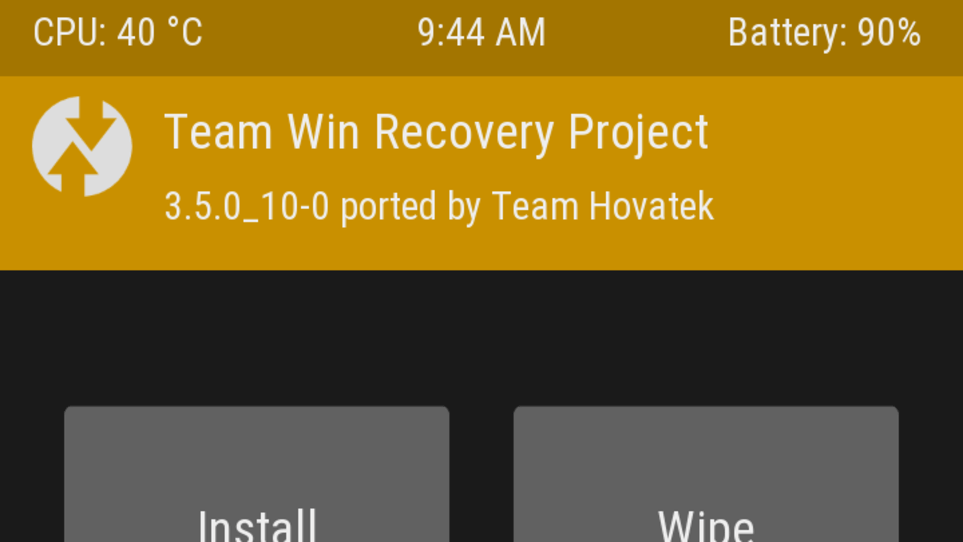
In our rudiments of Android software repairs course , we differentiated between custom and stock recovery. A custom recovery on a device with encrypted userdata is synonymous with some issues. Two of which are Internal Storage (0MB) and looping into custom recovery mode after doing a factory reset. What is userdata encryption? Look under Under

How to fix Android booting to custom recovery after reset Read More »

Auto TWRP porter; MTK v1.6 & Unisoc (SPD) v1.4

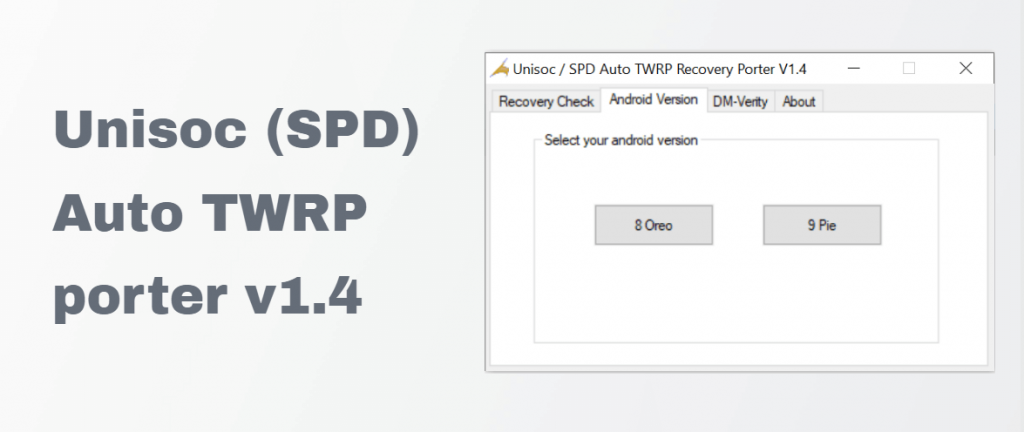
We’ve released updates to our Mediatek (MTK) and Unisoc / Spreadtrum (SPD) Auto TWRP recovery porters. What’s New? MTK Auto TWRP recovery porter v1.6 Added support for Pie (9.0) with Kernel version 4.4.146 Ports TWRP 3.3.1-0 Updated AIK libraries to latest ATM i.e v3.6 Removed DM_verity checker (Devices shipped with android 9 all have dm_verity

Auto TWRP porter; MTK v1.6 & Unisoc (SPD) v1.4 Read More »

How to root Infinix X627 Smart 3 Plus

How to gain temporary root on the Infinix X627 Smart 3 Plus

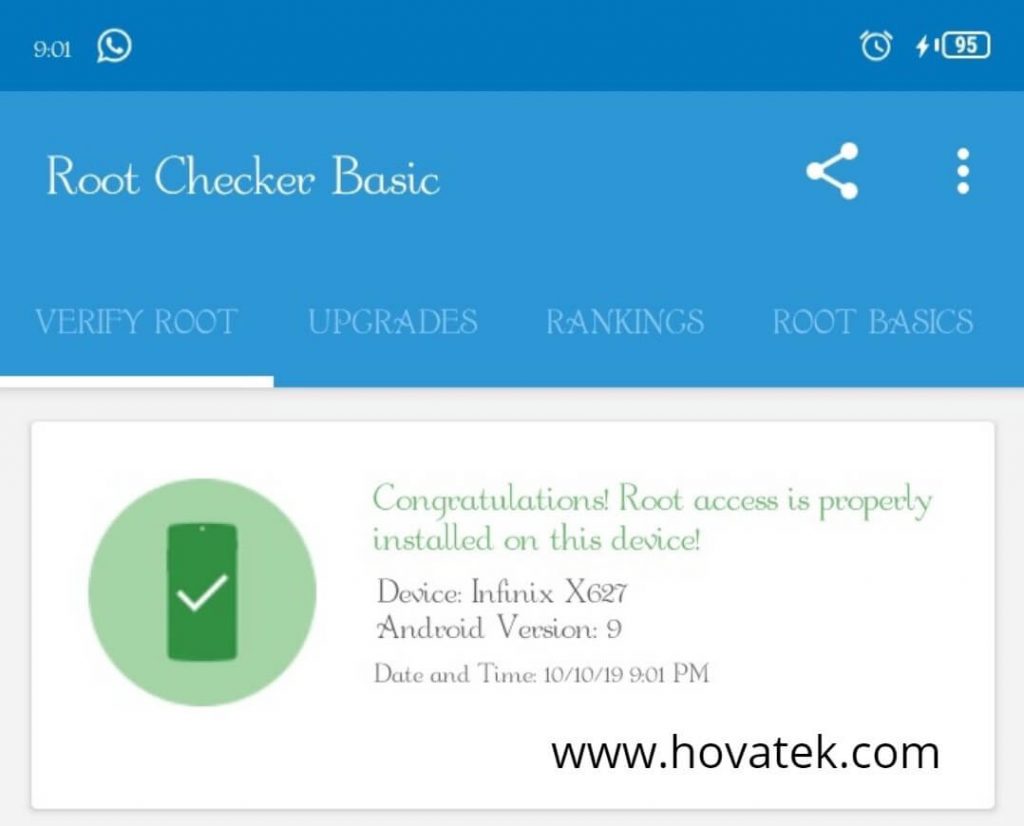
The procedure to root Infinix X627 (Smart 3 Plus) is just like that of the Tecno Spark Go KC1; patching recovery.img instead of boot.img. Root gained via this technique is temporary. Before you proceed, you’ll need the stock recovery.img for your build number (located at Settings > About > Build Number). You can check our

How to gain temporary root on the Infinix X627 Smart 3 Plus Read More »

Scroll to Top