A number of Marshmallow (Android 6) and above users have complained of insufficient / low storage space for installing applications despite having much unused space on their SD card. This brief guide will teach you how to easily convert those several free Gigabytes on your external SanDisk card to Internal Storage.
How can I convert / use my SD card as Internal Storage on my Android Marshmallow phone?
1. Switch off the phone, insert the SD card you wish to use as internal storage then boot up the phone. You should get a notification that a new SD card has been detected (Click here for what to do if you did not get a notification prompt); double tap the notification
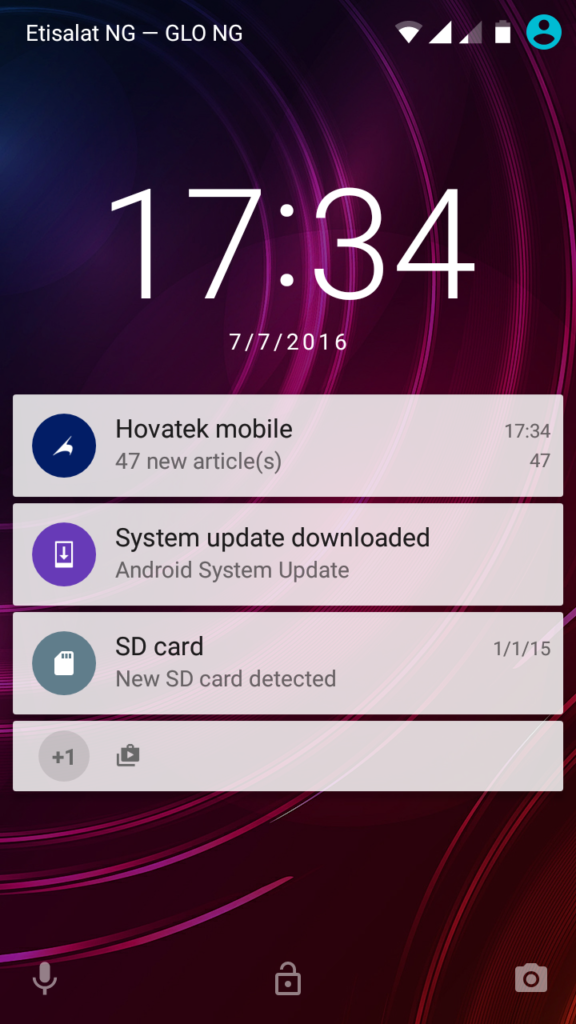
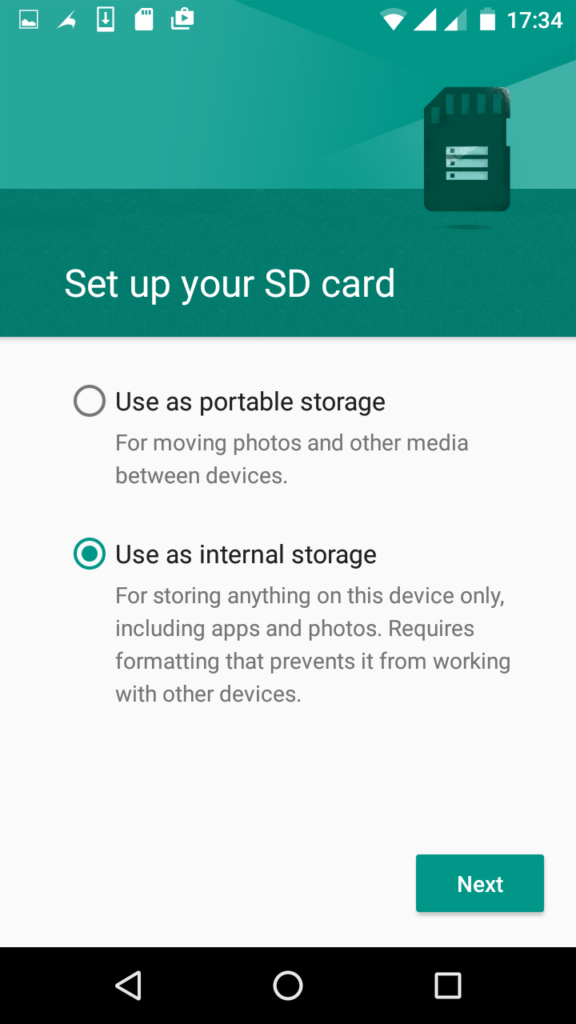
2. Tick Use as internal storage then tap Next
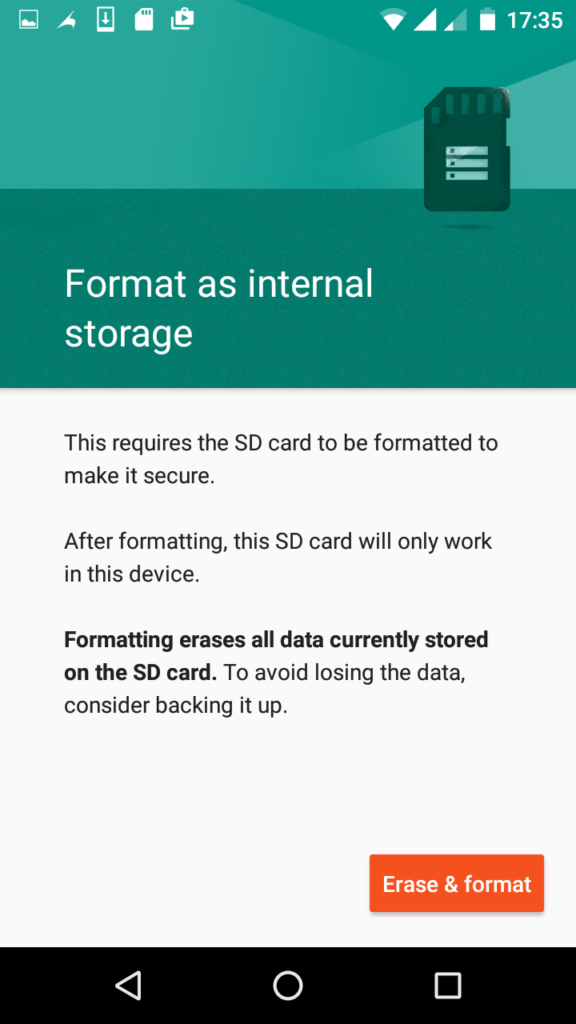
3. Tap Erase & format (ensure to have backed up important stuff on it)
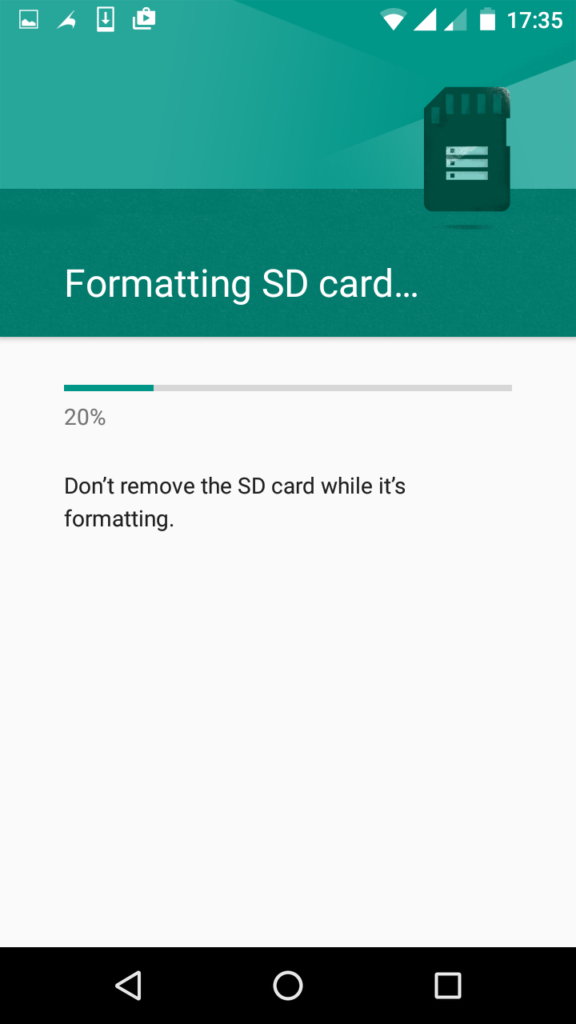
4. Wait while the SD card gets formatted
5. Tick Move now or Move later depending on when you wish to move media files from the internal storage to the newly prepared SD card then tap Next
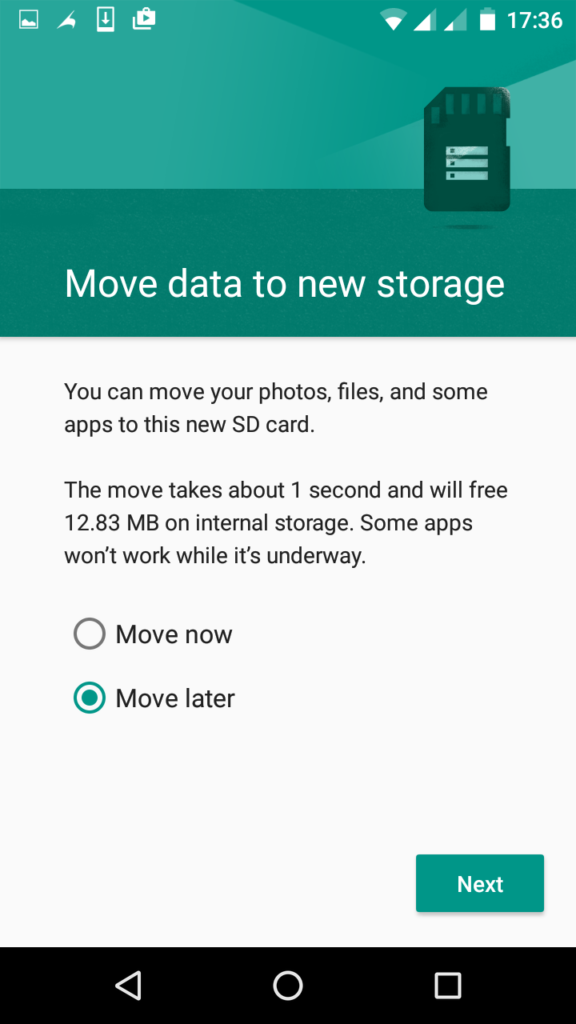
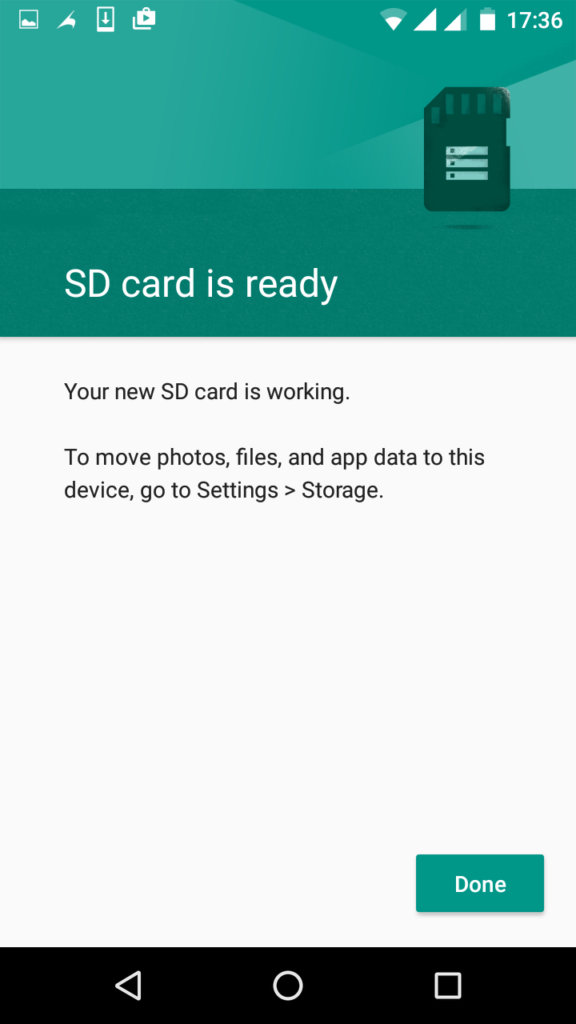
6. Tap Done
I did not get a notification after inserting SD card, what do I do
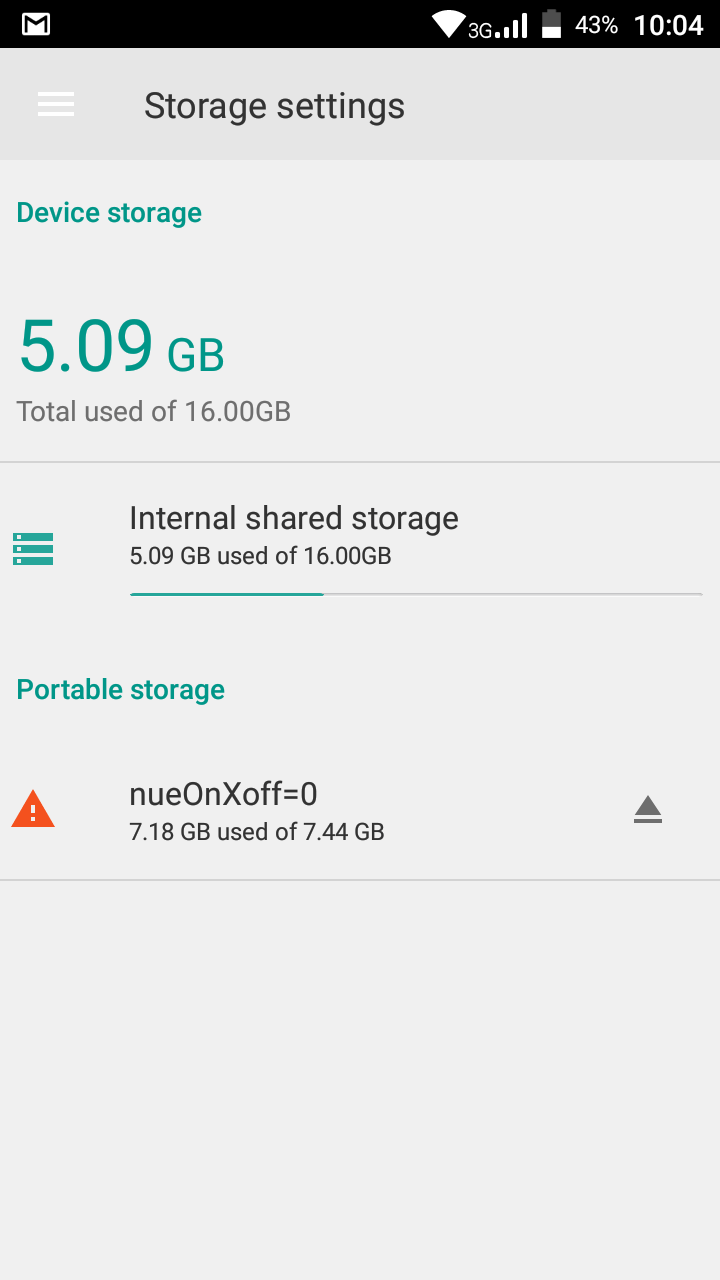
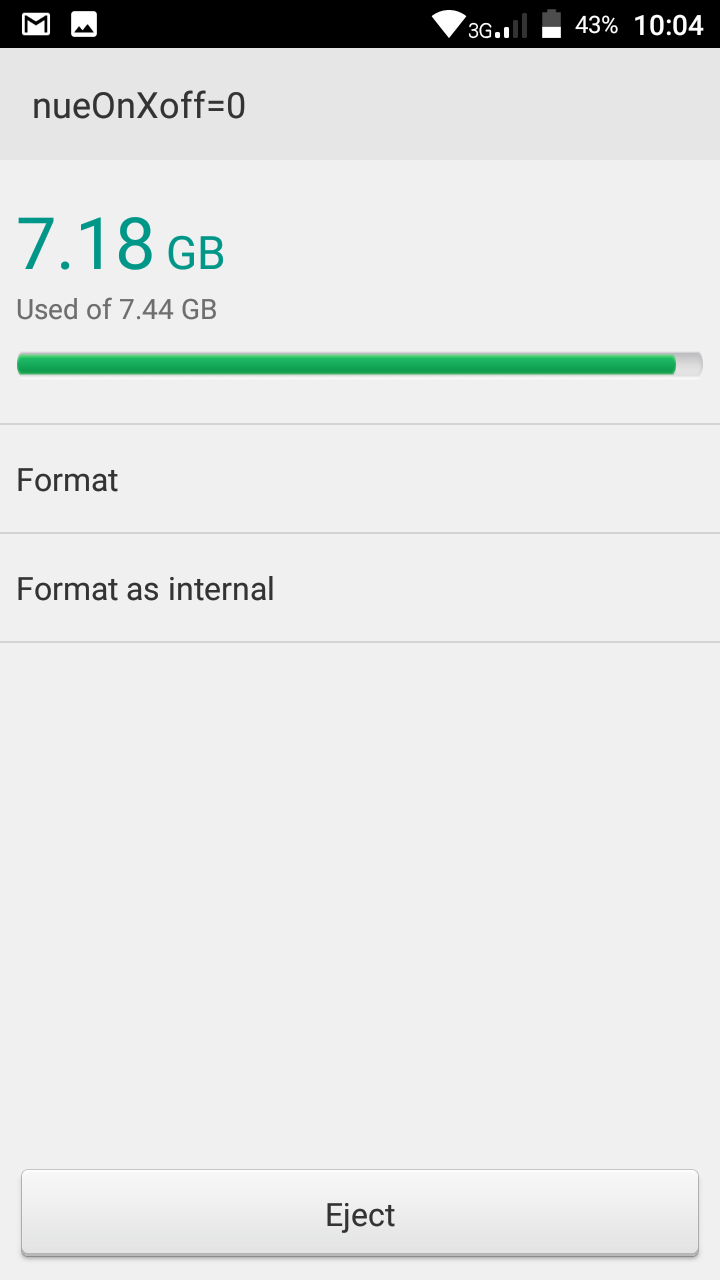
1. Navigate to Settings > Storage and tap the SD card (portable storage)
2. Tap the Menu at the top right and select Storage settings
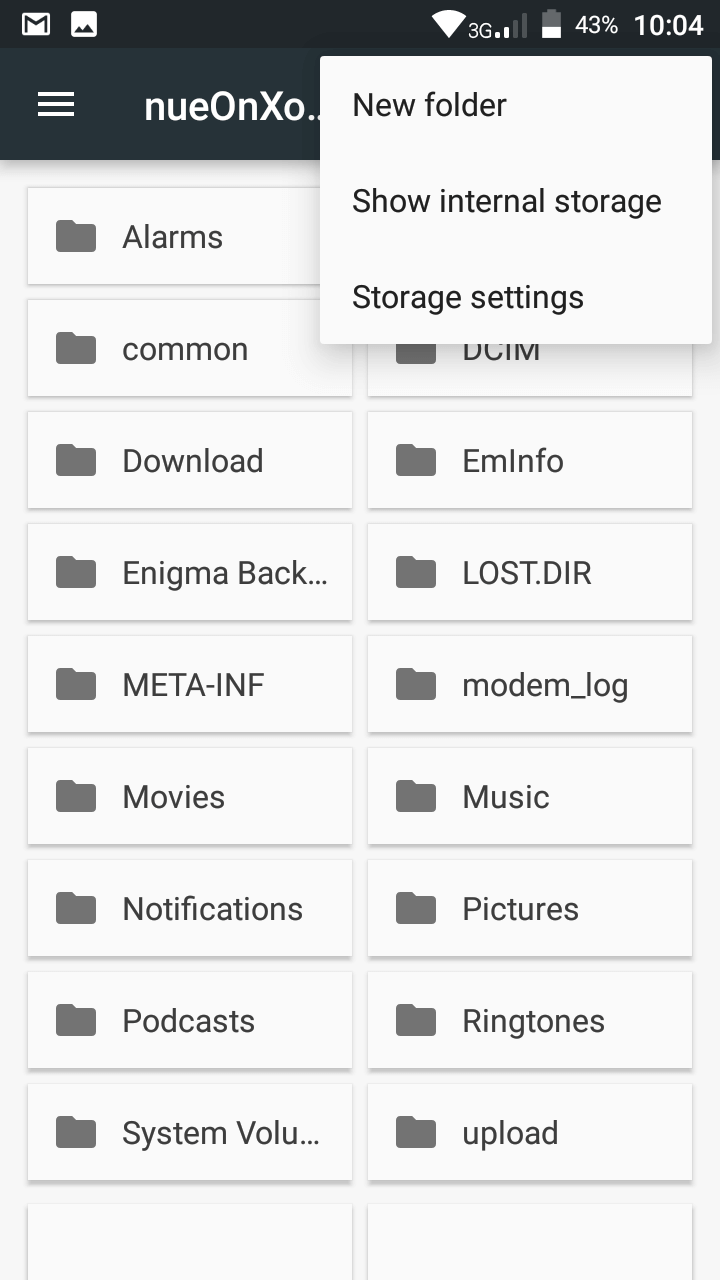
3. Tap Formal as internal
Hovatek….just a button away!


I am using Tecno wx3, internal memory is filled up.How can i switch to external SD card?
It doesn’t work on HIOS
I have Techno W3, but is still not working,
Please help me out.
I am using Techno W3, but the notification is not coming up,
How can you be of help pls?
It typically doesn’t work on HIOS
Kindly help please
Sorry I’m Niyi Odeyemi not Niki Odeyemi
I can’t use my SD card as internal memory on Tecno Camon CX. I only have “use as portable storage” on the option.
Kindly help as my phone internal memory already full please
This feature doesn’t work on HIOS. Tecno only recently introduced it to the CX Air in the latest OTA update
What’s the way forward please?
You either wait and hope Tecno does the same for the CX or try using Link2SD
How will I go about using Link2SD as suggested
You’ll need to post at our Forum. have you registered there?
No
Plz will this work on Tecno w3 I’m fed up with D’s phone already can’t use my mcard agn nd phone memory filled
No, Tecno’s HIOS doesn’t support this feature
sir plz I am using itel s11 Android 6.0 but it’s still not showing that sign. I have donated my phone more than two times still it’s not working pls sir what will I do to it
have you formatted the SD card?
I’ve formatted the sd card of the itel s11. it doesn’t show the option for format as internal, just format only.. I’ve formatted it but it still has the same issue. i can’t install/move apps to sd card
What’s your phone’s Android version?
Note that not all Marshmallow and above devices support Adoptable Storage
i doesn’t work.. i tried it but it doesn’t show the notification it just say sd card ready to use
What’s the phone model?
Tecno c7
It doesn’t work on HIOS.
bro @hovatek
my phone pro is dat d video on memory card will not display on my video player app and all file playing video until I go into xender app to play it
Try using VLC and let me know if it persists.