how do i bypass or Unlock ZTE mf90c1 wifi ROUTER login password
how do i bypass or Unlock ZTE mf90c1 wifi ROUTER login password

29-02-2020, 06:45 PM
(29-02-2020, 12:34 PM)addae Please i have tried the MIFI reset and tried to enter the SSID code ontop and the key 'admin' password but it fail to login into the default page.
I think you misunderstand the SSID and the key.
WLAN SSID is the wifi name you will see on other devices if you want to connect it, while WLAN Key is the default wifi password you will use to connect to the wifi.
“admin” is the default username and password for logging into the mifi dashboard, I think the dashboard address should be 192.168.0.1 or 192.168.8.1 , you can also open the dashboard by connecting the mifi to pc with USB cable and installing its dashboard software.
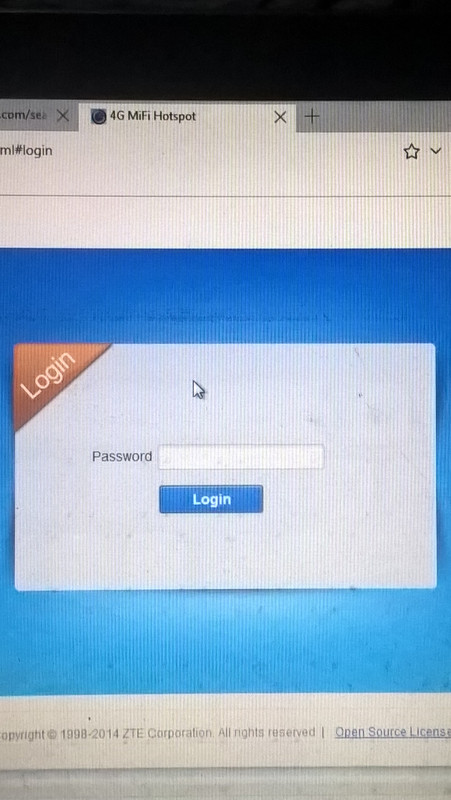
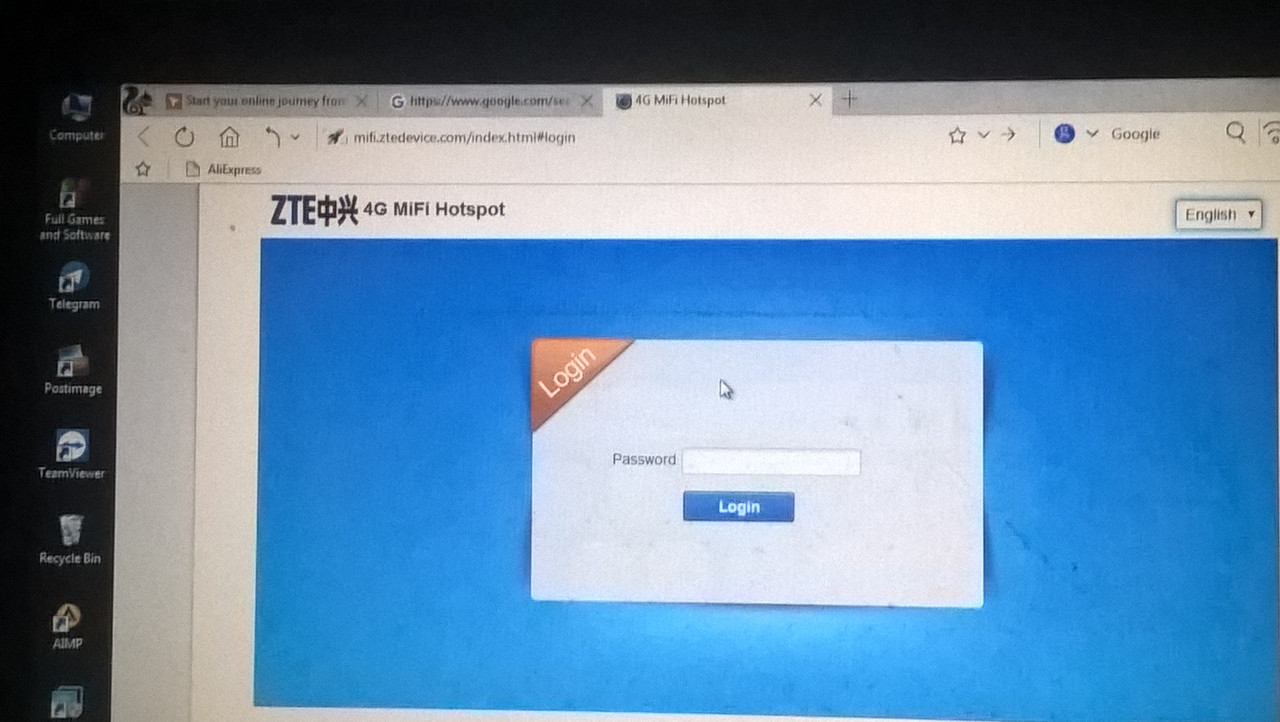
Attach the screenshot of your mifi login screen/dashboard too let’s take a look.
This post was last modified: 02-03-2020, 05:50 PM by hovatek.

Users browsing this thread:
1 Guest(s)
1 Guest(s)
Users browsing this thread:
1 Guest(s)
1 Guest(s)